On your website
Link a clearly labelled Book a table button to your hosted page. If you would prefer guests to book within the site, use the embedded booking widget instead.

Direct booking links
Give guests a clear place to make a reservation, even if you do not have a website. Share your hosted Revue booking page and manage its reservations in the same diary as bookings taken by staff.
Start your free trial14 days. No payment card required.
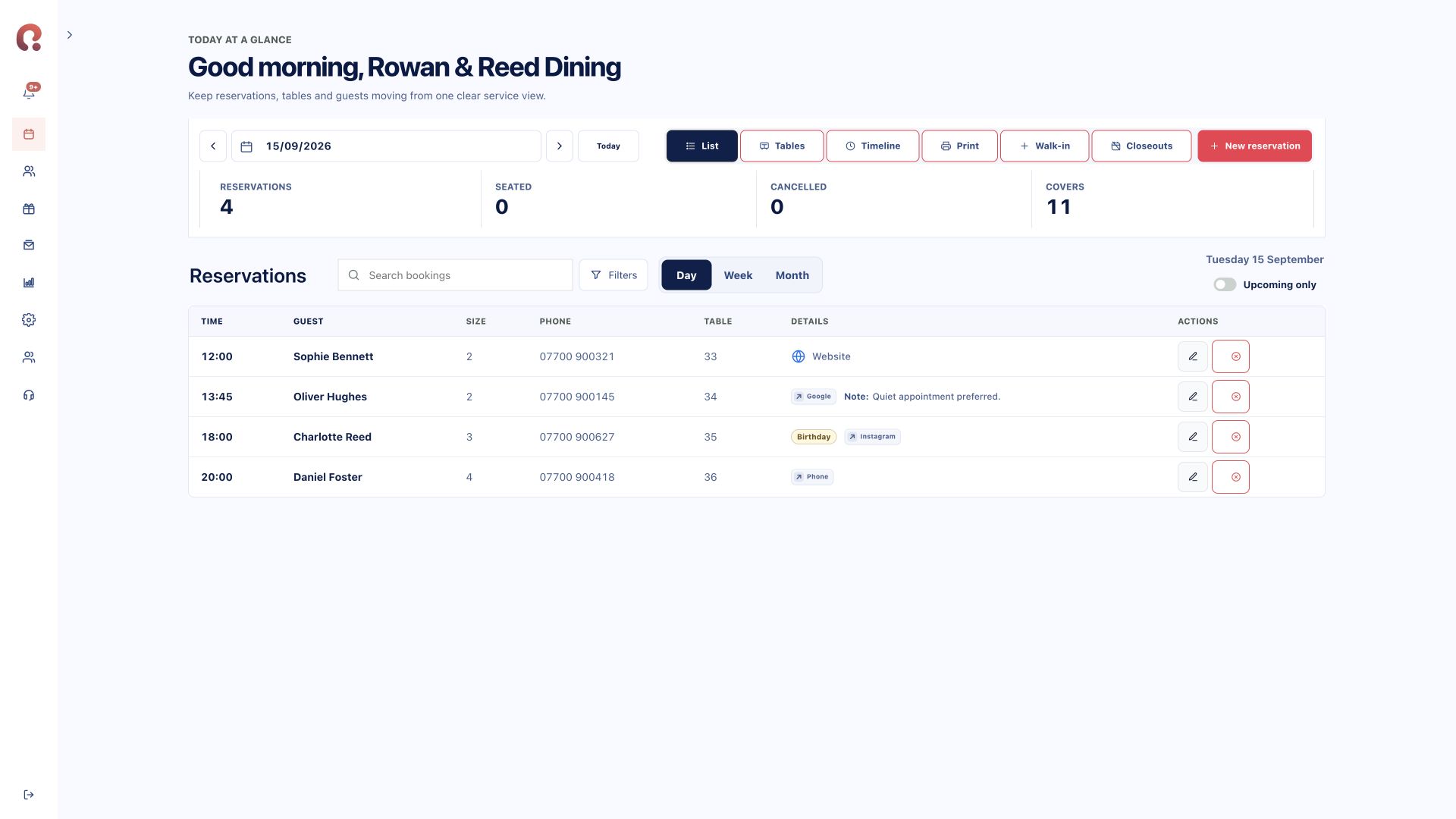
A direct link sends guests to your booking page. It does not require a separate booking database for each channel.
Link a clearly labelled Book a table button to your hosted page. If you would prefer guests to book within the site, use the embedded booking widget instead.
Use the booking URL in social or business profile fields that accept an external link. Each provider controls which fields and actions are available; adding a link is not the same as a native booking integration.
Use the URL in your own communications or a QR code on approved printed material. Check that it opens the correct venue and keep the destination up to date.

Your route to launch
Before sharing the link, review your business name, branding, opening hours and booking policy. Guests should be able to understand which restaurant they are booking and how to contact you.
Test a reservation and check it in the portal. Review the date, time, party size and confirmation flow. Your staff should know where direct bookings arrive and how to handle a guest who calls to change one.
Compare plans and modules ↗Yes. A hosted Revue booking page provides a destination you can share directly with guests.
No. A link takes the guest to your booking page. Booking inside a third-party platform requires a separate supported integration and any required approval from that platform.
Yes. Phone reservations can be entered in the portal and managed alongside direct online bookings.
Yes. They use the same venue setup, so you can provide both an embedded form and a link to the hosted booking page.
Choose your starting point
Start with one product or connect the complete guest journey.
Bookings, tables, guests, deposits and reporting.
Explore reservations ↗02 / Gift vouchersSell online, deliver instantly and add to Apple Wallet.
Explore vouchers ↗03 / Branded appsA custom iOS and Android app shaped around your restaurant.
Discuss your app ↗Bring your systems together
Tell us which products you need and how many venues you manage. We’ll show you the relevant Revue journey.
Request a demohello@revue.dayOpens your email app. We’ll arrange a time together.