

A service business preparing its space before customers arrive

Booking software for different businesses

Bookings for tables, appointments, staff and services.

A restaurant manages table turns. A salon manages treatments and stylists. A garage manages jobs, technicians and bays. Revue.day prepares the right booking flow and workspace for each.

Tell us what you book

What changes by industry

Customers book what your business actually provides.

Choose the business category during setup. Revue.day applies suitable terminology, hours, booking duration and resource controls, then guides you through the details that make the workspace yours.

  • What customers chooseA table and party size, a treatment and stylist, an MOT and drop-off time, or a consultation and adviser.
  • What controls availabilityTables, staff rotas, rooms, equipment, workshop bays and the duration of each service.
  • What your team seesA working day with the bookings, resources and customer details relevant to that business.
Hospitality team preparing a guest service

Restaurants, cafés and bars

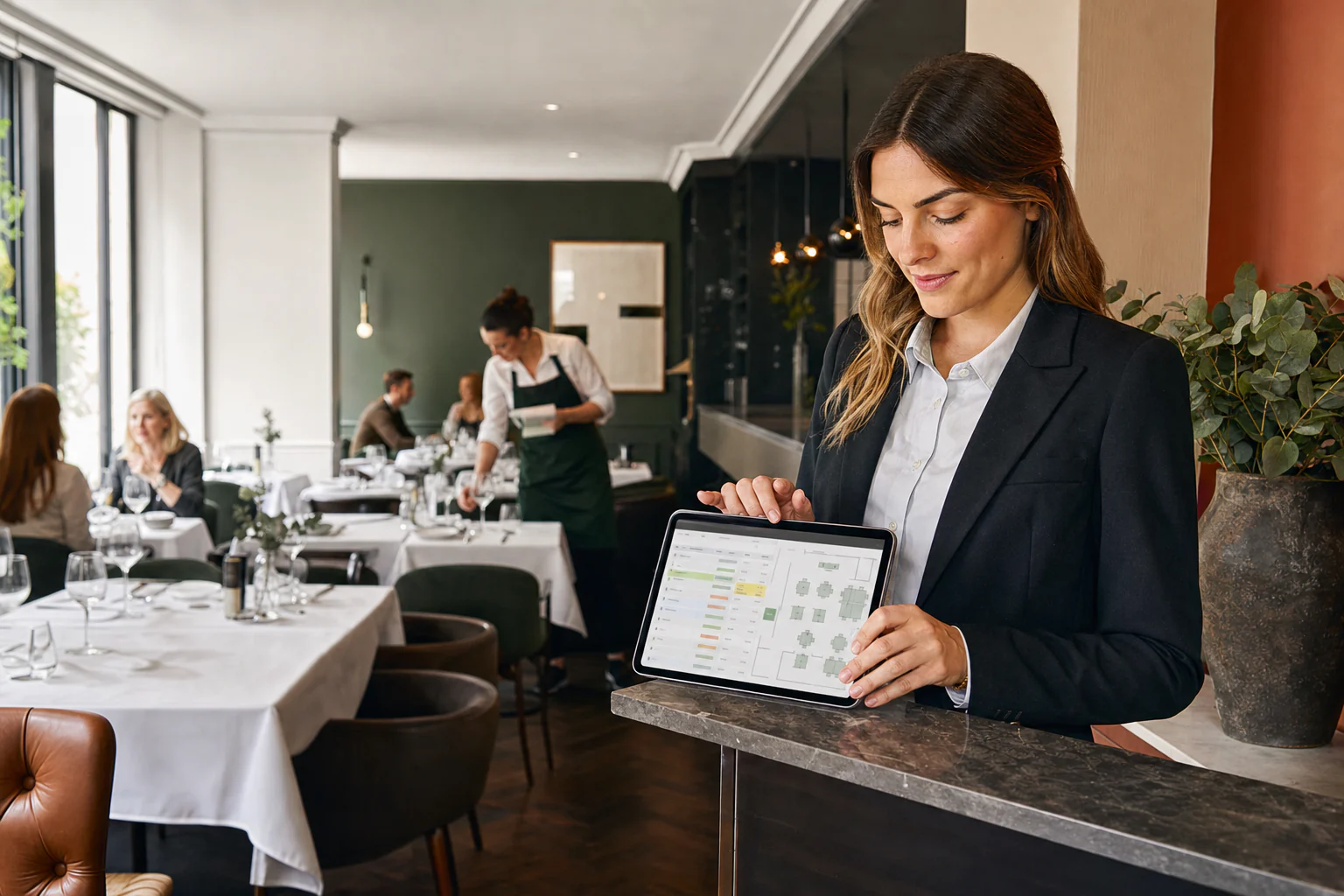
Take table bookings without losing control of the room.

A customer books dinner for four at 19:30. Revue.day checks the party size, available tables, combinations and configured sitting duration before confirming the reservation.

  • 01
    Table-aware availability

    Use the same table for several non-overlapping bookings across the day.

  • 02
    Walk-ins and waitlist

    Bring unscheduled guests into the same live service view.

  • 03
    Guest relationships

    Keep visit history, celebrations and branded communications with the booking.

Appointment-led businesses

Match every booking to the person, place or equipment needed.

Each setup uses the same reliable booking engine, but customers only see the choices that make sense for that service.

A stylist reviewing a client's scheduled salon appointment

Hair, beauty & wellbeing

Let clients choose a treatment, time and preferred professional.

A client can book a 60-minute colour treatment with a selected stylist, choose any available team member, or reserve a treatment room with the right buffer between appointments.

Customer books
Treatment, time and optional team member
Availability uses
Staff rota, duration, room and equipment

A consultant confirming an appointment with a client

Consultants & professional services

Offer the right length of appointment, online or in person.

A customer chooses a 30- or 60-minute consultation, then Revue.day matches the booking to an available adviser, practitioner or room without exposing the rest of the team's diary.

Customer books
Service, appointment length and location
Availability uses
Adviser hours, room and meeting capacity
A garage service adviser checking a customer's vehicle booking

Garages & automotive

Schedule work around technicians, bays and job duration.

A driver books an MOT, tyre change or service at an available drop-off time. The workspace keeps the customer, vehicle and job together while protecting workshop capacity.

Customer books
Job type, date and drop-off time
Availability uses
Technician, service length and workshop bay

Another kind of service? Revue.day can arrange bookings around people, rooms, capacity, equipment or another resource your team manages.

A shared customer journey

Different operations. The same clear route to a booking.

Customers choose the service, time and relevant resource in short stages. Staff see a live working day, customer context and communication status without carrying irrelevant controls from another industry.

  • Book
    Direct customer flow

    Website widget, booking page, social links and QR.

  • Run
    Resource-aware workspace

    Tables, staff, rooms or bays are matched to the selected service.

  • Keep
    Customer history

    Visits, preferences and communication remain with the business.

A booking workspace used on a tablet during customer service

Tell us what customers book

We will prepare the workspace and a branded booking page, even if you do not have a website.

Plan your setup